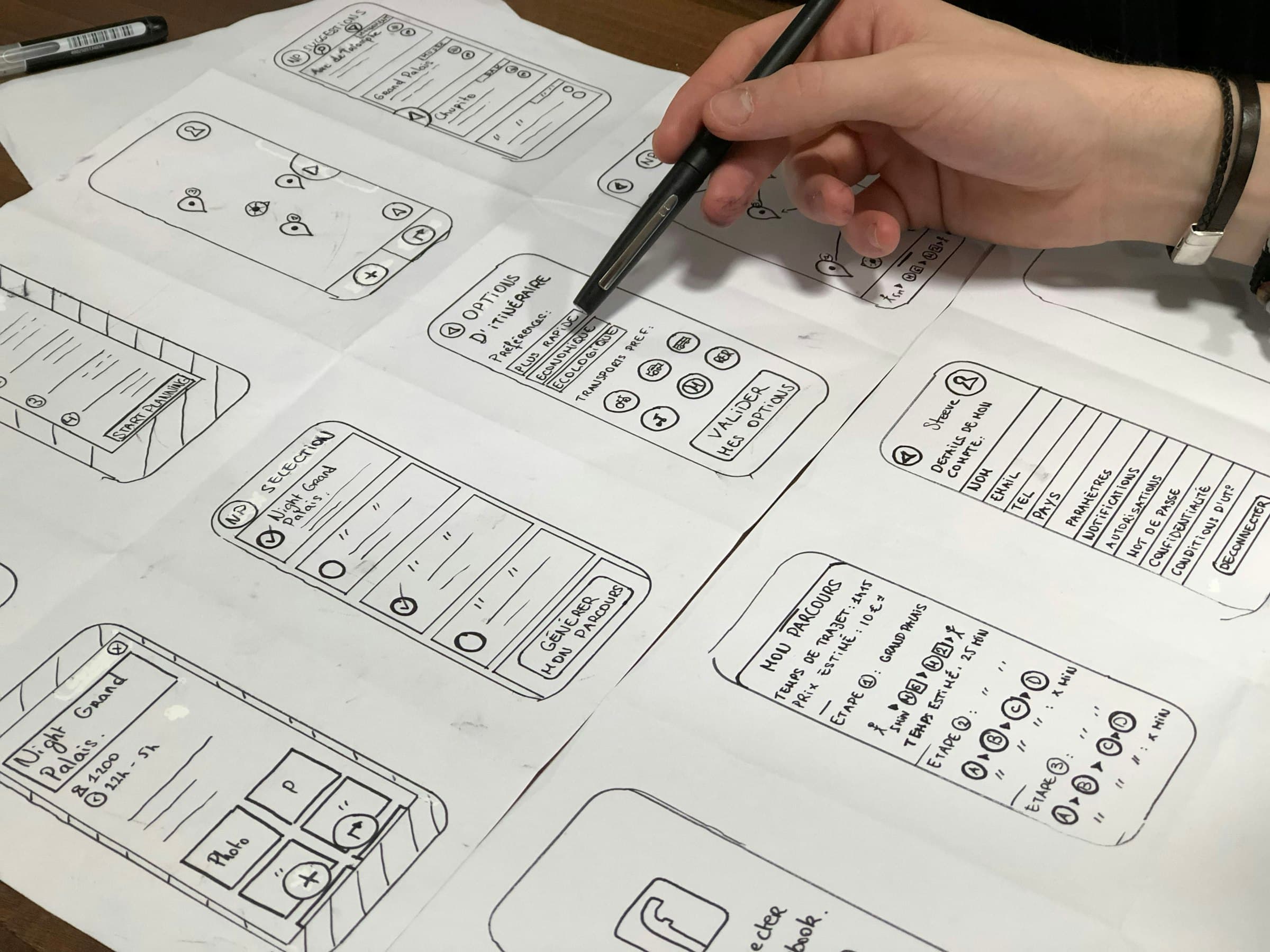
What it is
Prototype is a Matt Pocock skill that builds throwaway code to answer one question. For a "what should this look like?" question, it builds several structurally different designs on one page, with a little bar at the bottom to flip between them.
When to use it
- Before building a page for real, when you can't picture the layout.
- When you'd otherwise argue with yourself between vague ideas in your head.
- For logic questions too ("does this state model feel right?"). The skill has a separate mode for those.
What I typed
/prototype
What happened
1. It named the question: "What should a lesson page with its comment box look like?"
2. It built 3 different layouts using my real Lesson 1 text and fake comments:
- A, Document: one column, comments at the end
- B, Outline sidebar: a section list on the left
- C, Side-by-side: the lesson on the left, a sticky discussion panel on the right
The variants had to differ in structure, not just colour. Three similar designs teach you nothing.
3. I picked C. Comments stay visible while you read, so the page feels like a lesson with a discussion, not a lesson with a comment box bolted on.
4. The prototype code was thrown away, but kept. It lives on its own branch (prototype/lesson-page) that never gets merged. Only the decision moves forward, written onto issues 03 and 06. The real page gets rebuilt properly, with tests.
5. The lesson for me: a prototype answers a question cheaply. Deciding by seeing takes 2 minutes. Deciding by imagining can take a day.